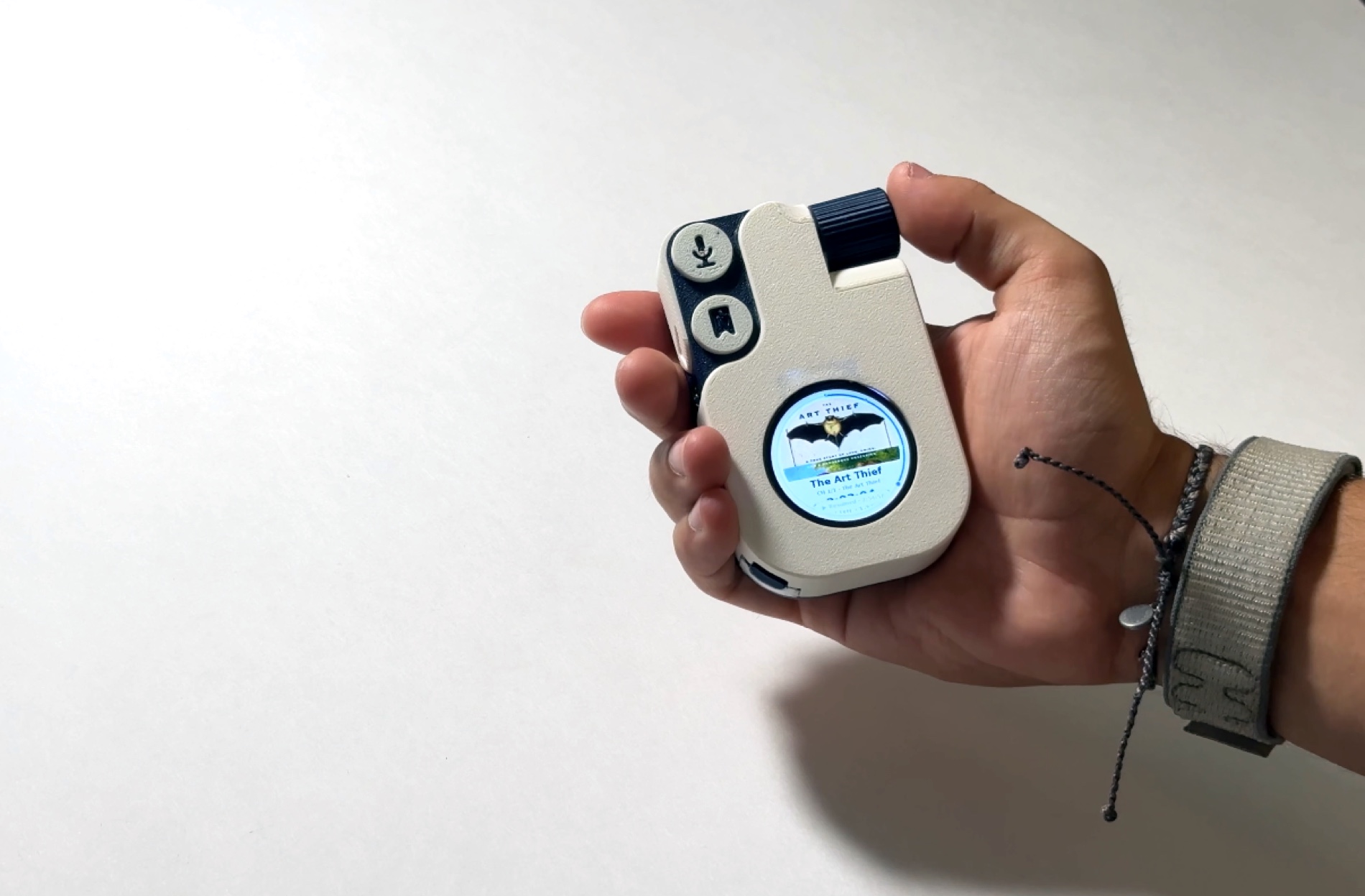
ode.
1,000 books in your pocket.
Audiobooks, remembered
Get the highlights.
A whole library
A thousand books — MP3, M4B, AAC, FLAC — on 256 GB.
Intuitive mapping
I mapped the buttons and wheel so I can use them without looking.
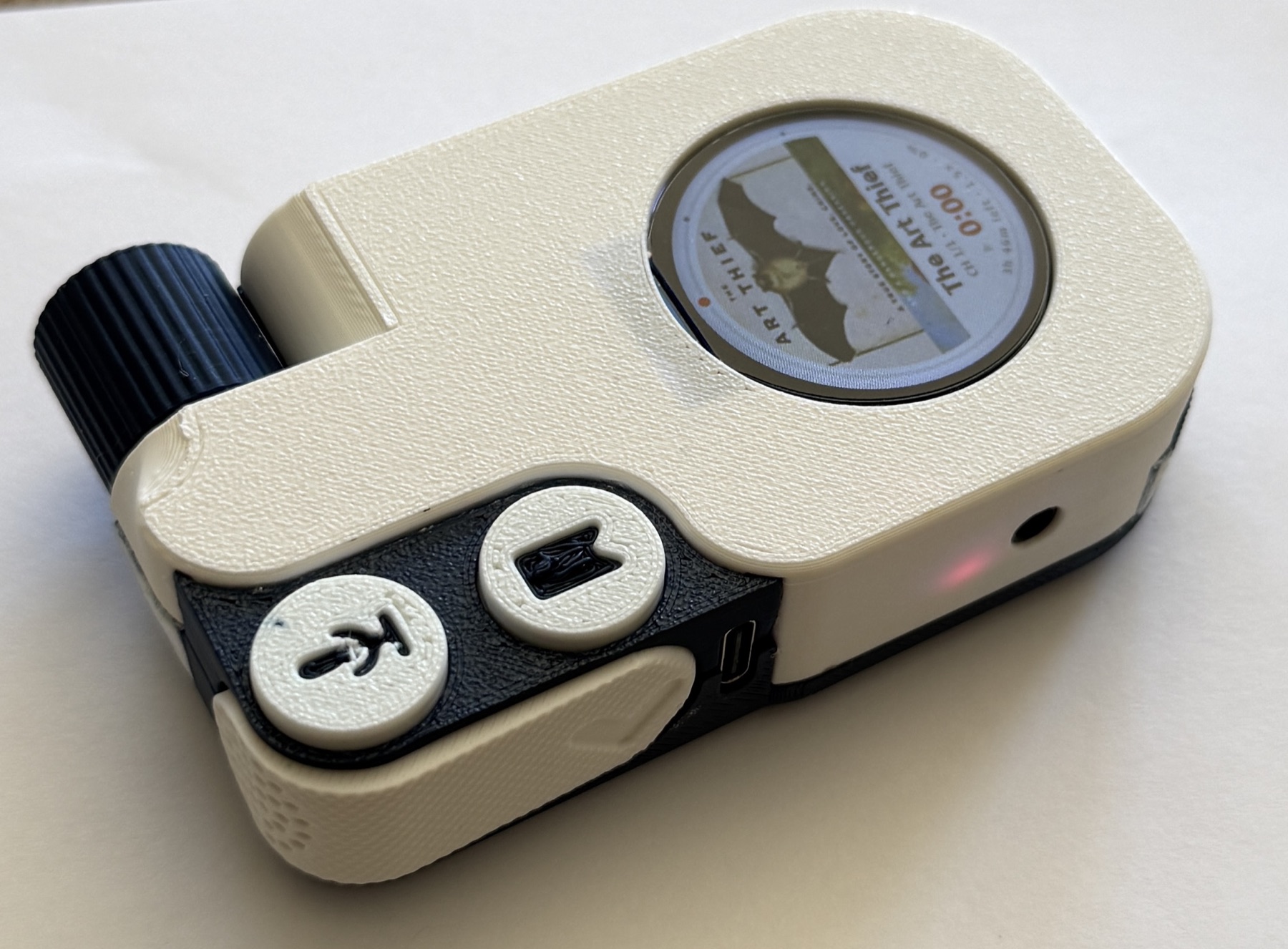
Speak a thought
The mic button pauses playback and saves your note with the chapter and timestamp.
Keep the good lines
One press saves the last thirty seconds as text.
A little web UI
The player hosts a web interface for uploading books, checking stats, and copying quotes or notes.
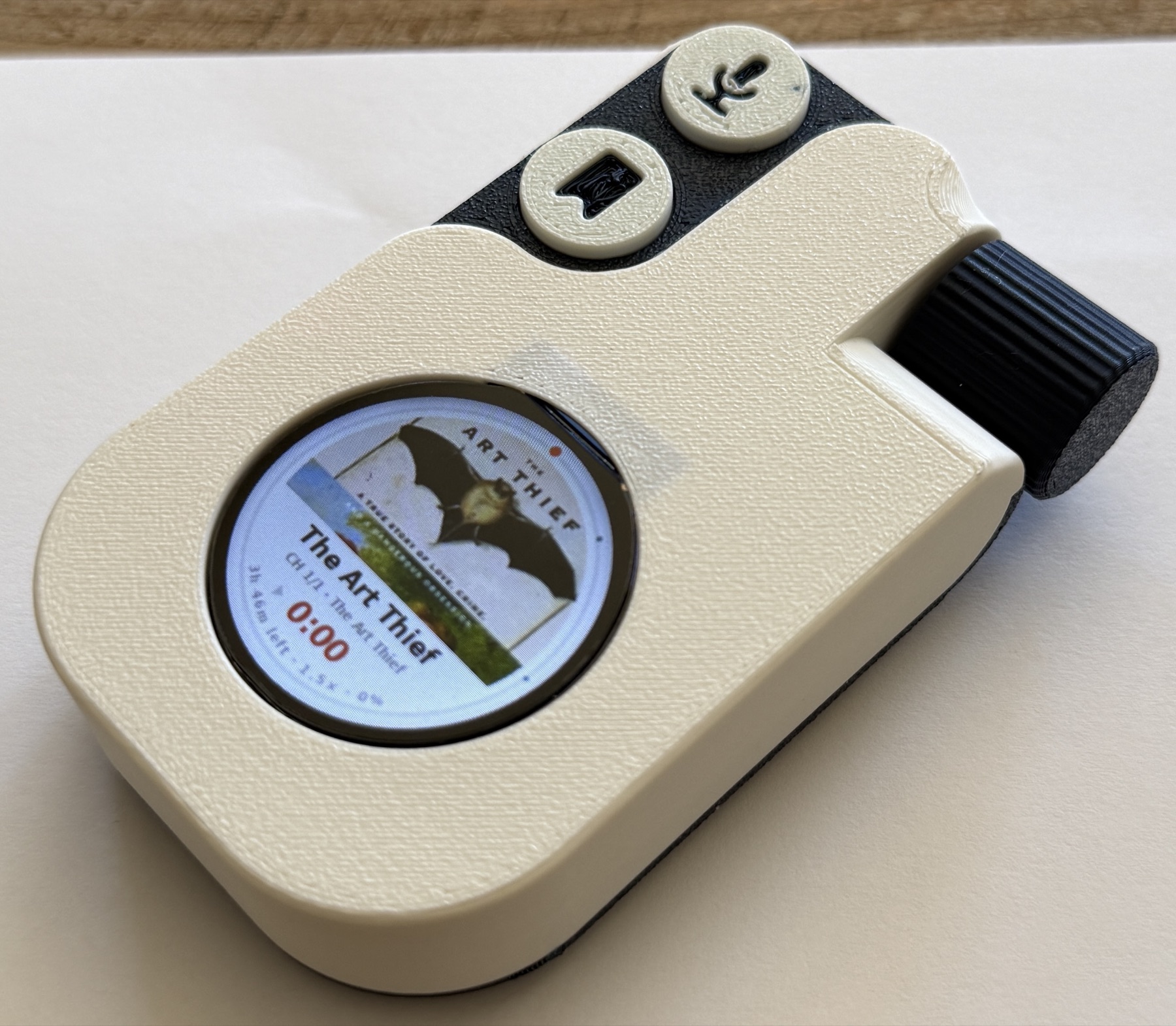
Notification-free
No feeds, no badges, nothing buzzing for your attention.
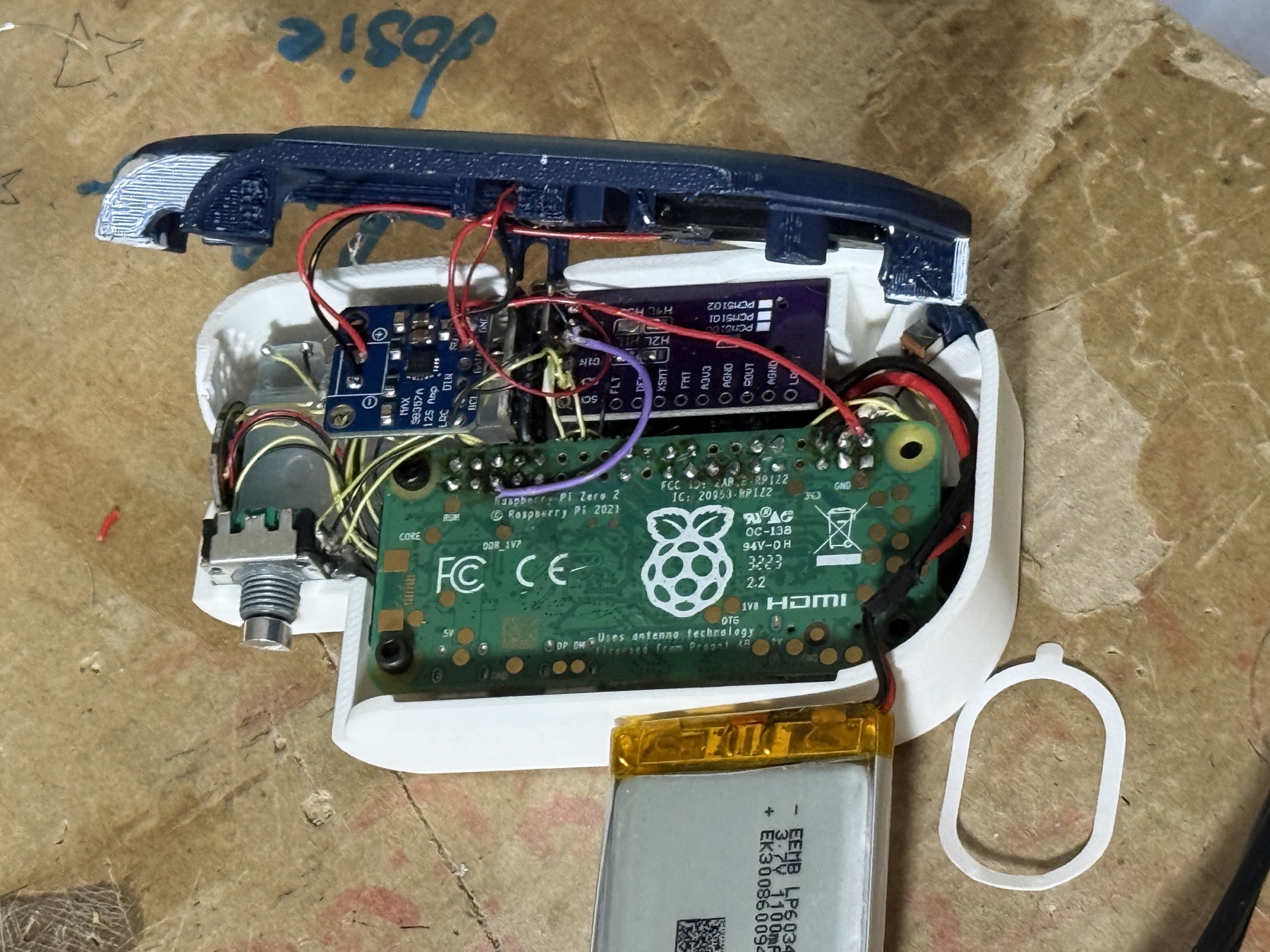
Soldered & serviceable
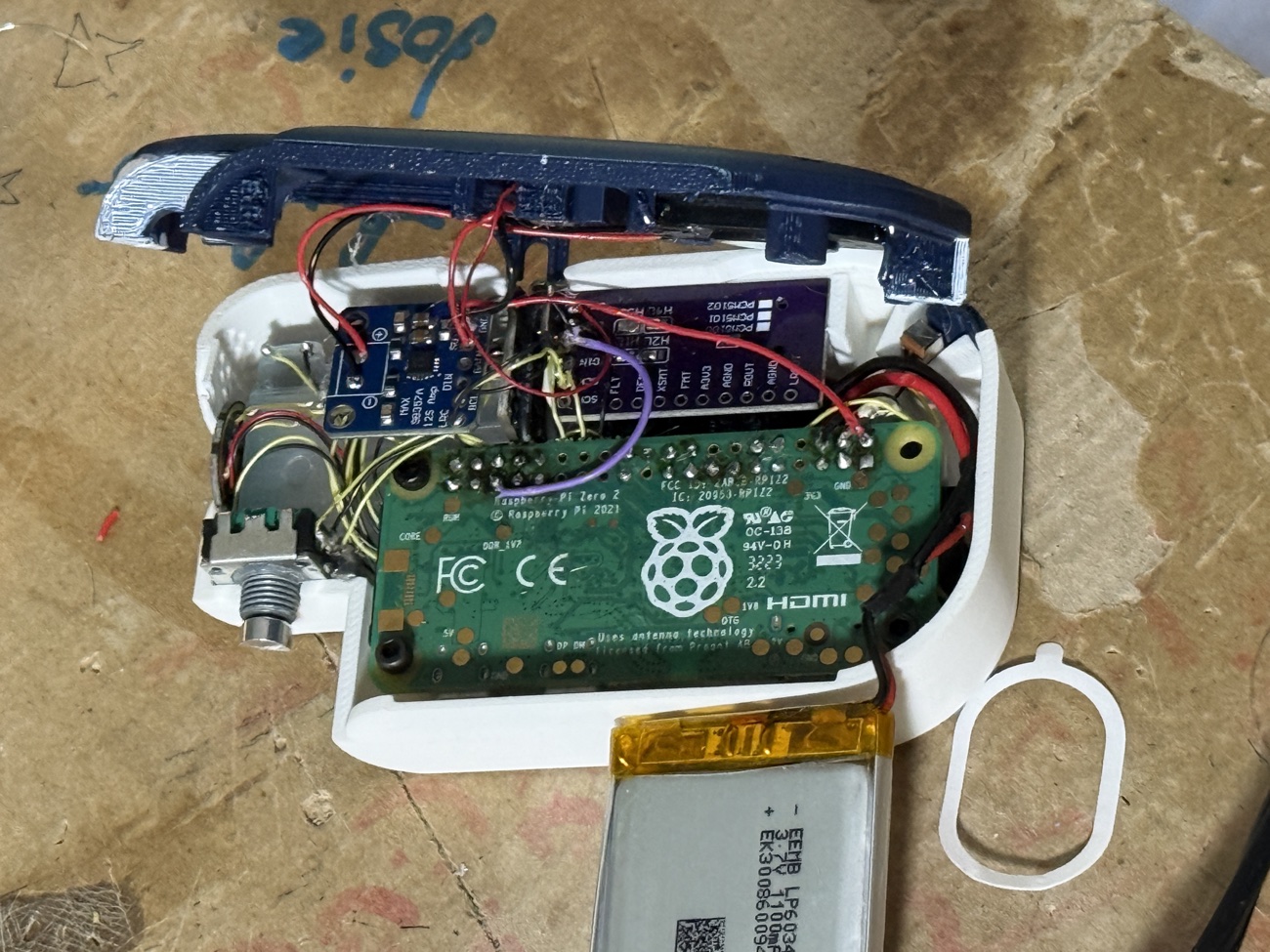
Point-to-point, packed into a printed shell.
Every part, in its place.
Scroll through the assembly.
- 01Capture · Voice · Back buttonsControls
The button sub-assembly — three buttons designed and 3D-printed for a satisfying press.
- 02Shell + 1.28″ round TFTChassis
The printed shell and the round screen — one book, one cover.
- 03Power modulePower
Regulation and USB-C charging along the spine.
- 04Raspberry Pi Zero 2 WCompute
The quad-core brain running the player and on-device Whisper.
- 05DACAudio
A dedicated digital-to-analog converter for clean playback.
- 06MicrophoneCapture
A MEMS mic for capturing quotes and voice notes.
- 071100 mAh LiPoBattery
An all-day cell tucked into the base.
- 08Amplifier + speakerSound
Amp and speaker for listening out loud before bed.
- 09Rotary encoder + knobWheel
The knurled wheel for scrubbing and menus.
- 10Back cover + screwsCover
The back cover and fasteners close it up by hand.
I love books. Somewhere in college, I stopped having the time to get lost in one.
Audiobooks gave reading back to me — in the gym, on walks, doing dishes. But listening on my phone meant every notification came along for the ride. I wanted one object that does this and nothing else.
Four problems. Four fixes.
Listening on your phone means every notification comes along for the ride.
I built a dedicated player so I could listen on walks or at the gym with my phone put away.
Hear a line worth keeping and there’s no easy way to save it — you rewind, scribble it down, then rewind again to be sure you didn’t miss anything.
Press the bookmark button and Whisper transcribes the last thirty seconds on the device. The player saves the quote with the book, chapter, and timestamp, without an account or internet connection.
It’s easy to drift off mid-chapter — the one thing research keeps pointing to for why audiobooks can stick less than print.
After each chapter it prompts you for a quick spoken note, with AI-generated questions that pull you back in and make the story stick.
No stats, no streaks — none of the fun tracking that keeps you coming back.
The player hosts a web page where you can check your stats, upload books, and export saved quotes and voice notes.
Try the simulator
How it all came together.
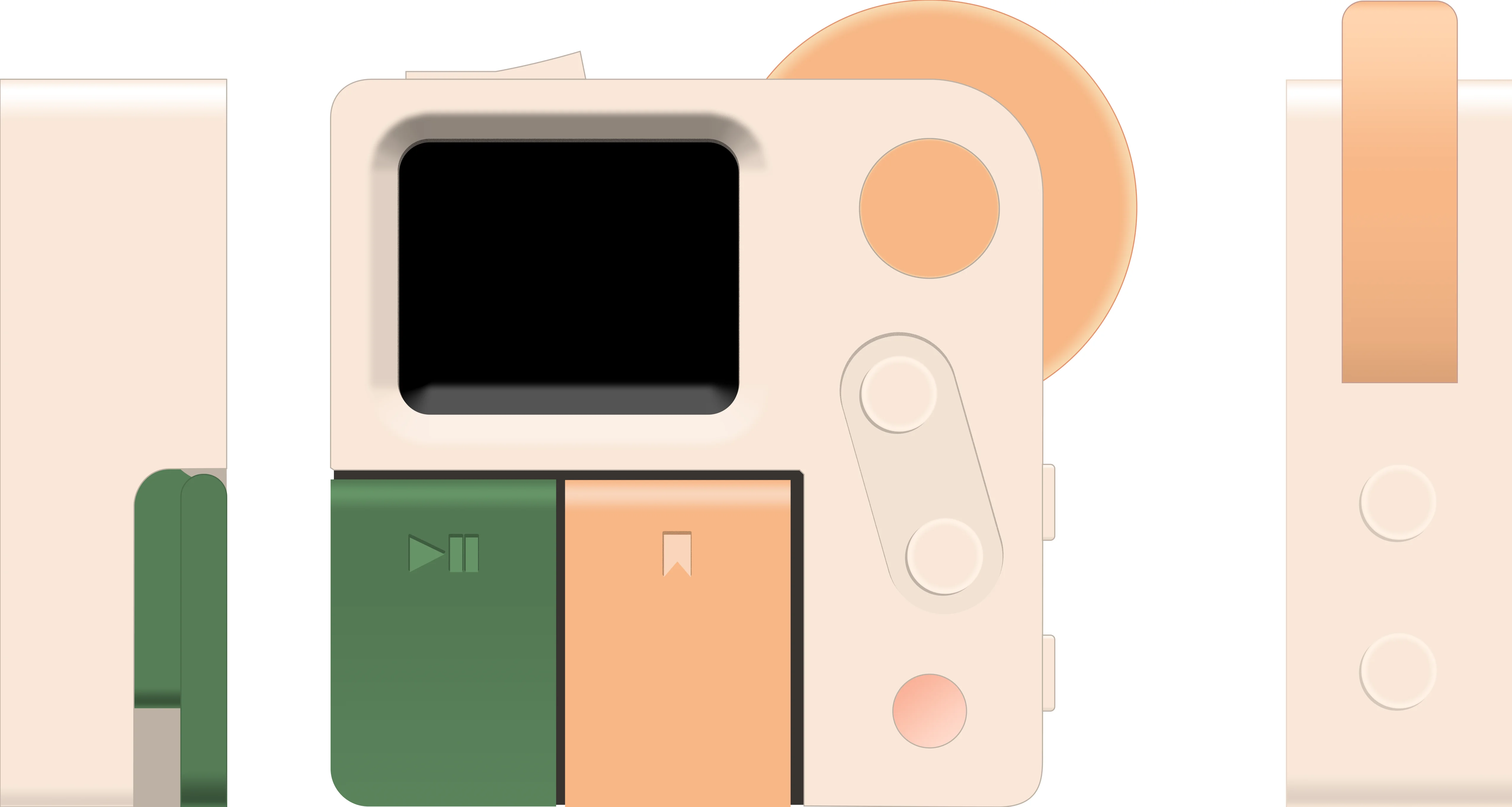
I simulated the player on my Mac
I mocked up each screen in Photoshop and simulated the interface and I/O on my Mac. By the time I picked up a soldering iron, I knew which parts I needed and how they’d behave.
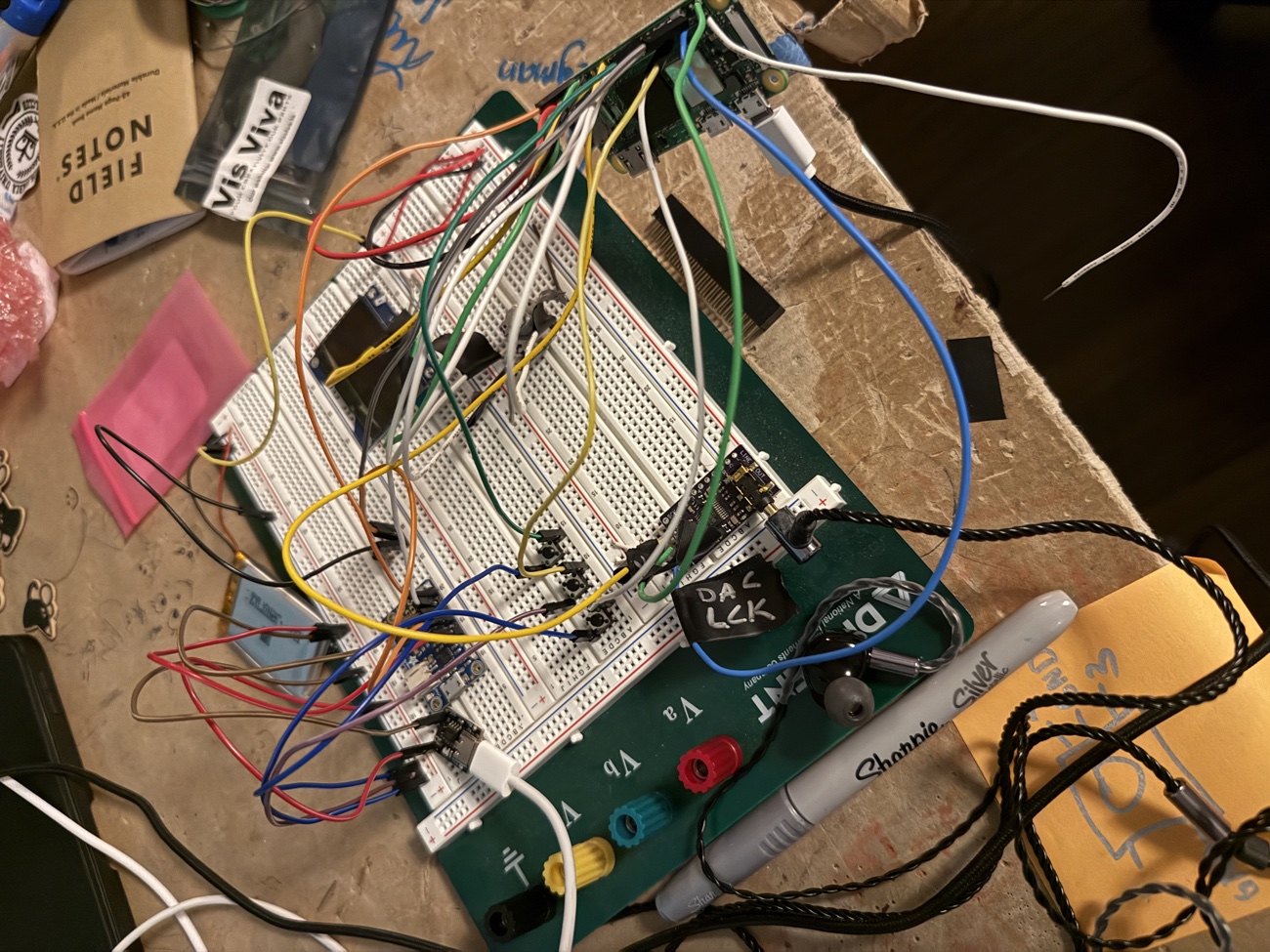
Building the hardware one board at a time.
On the breadboard I brought the system up piece by piece — power, audio, controls — then switched from a rectangular screen to a round one, which sent everything downstream back to the drawing board.
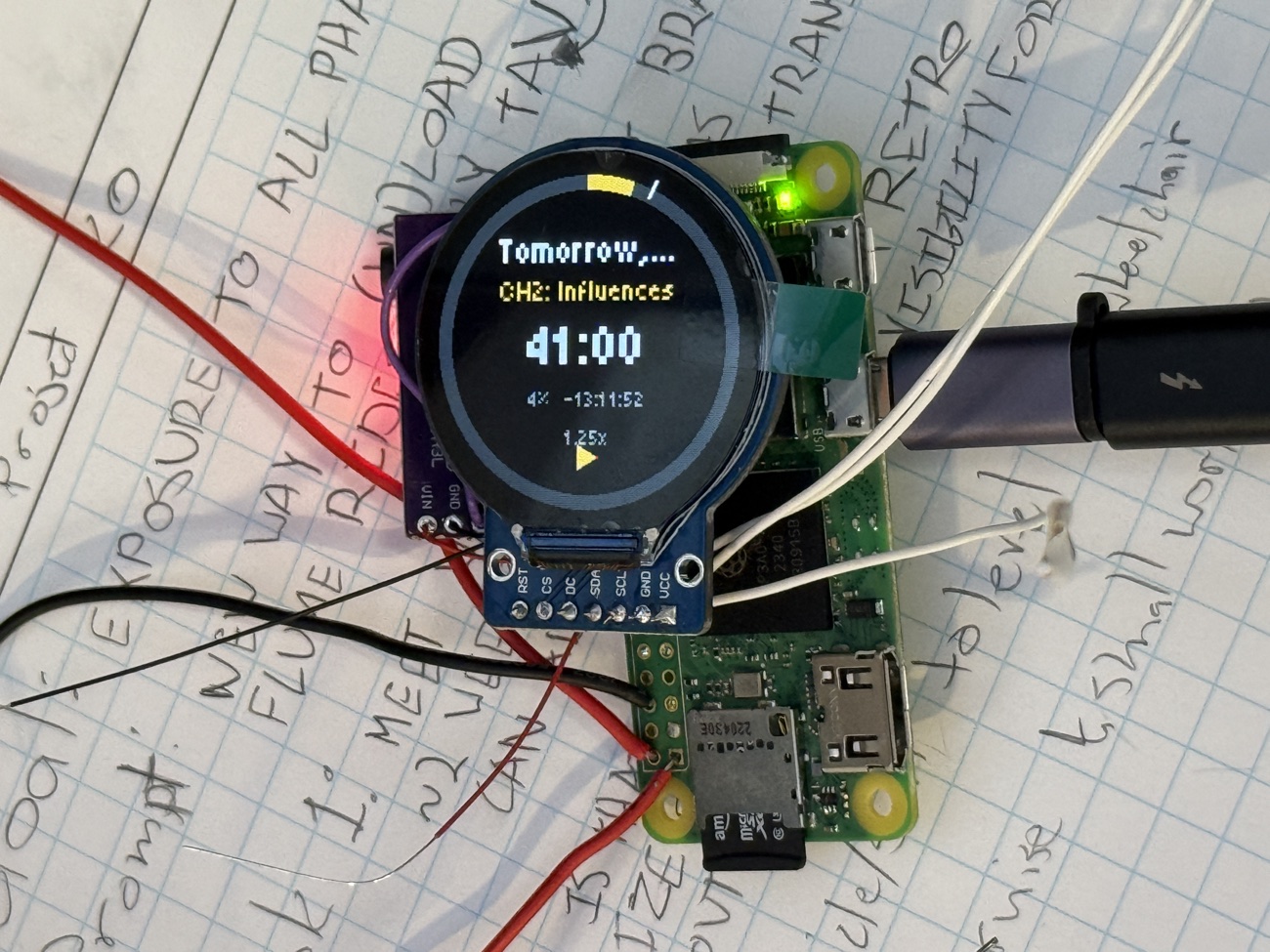
The electronics didn’t fit the first design.
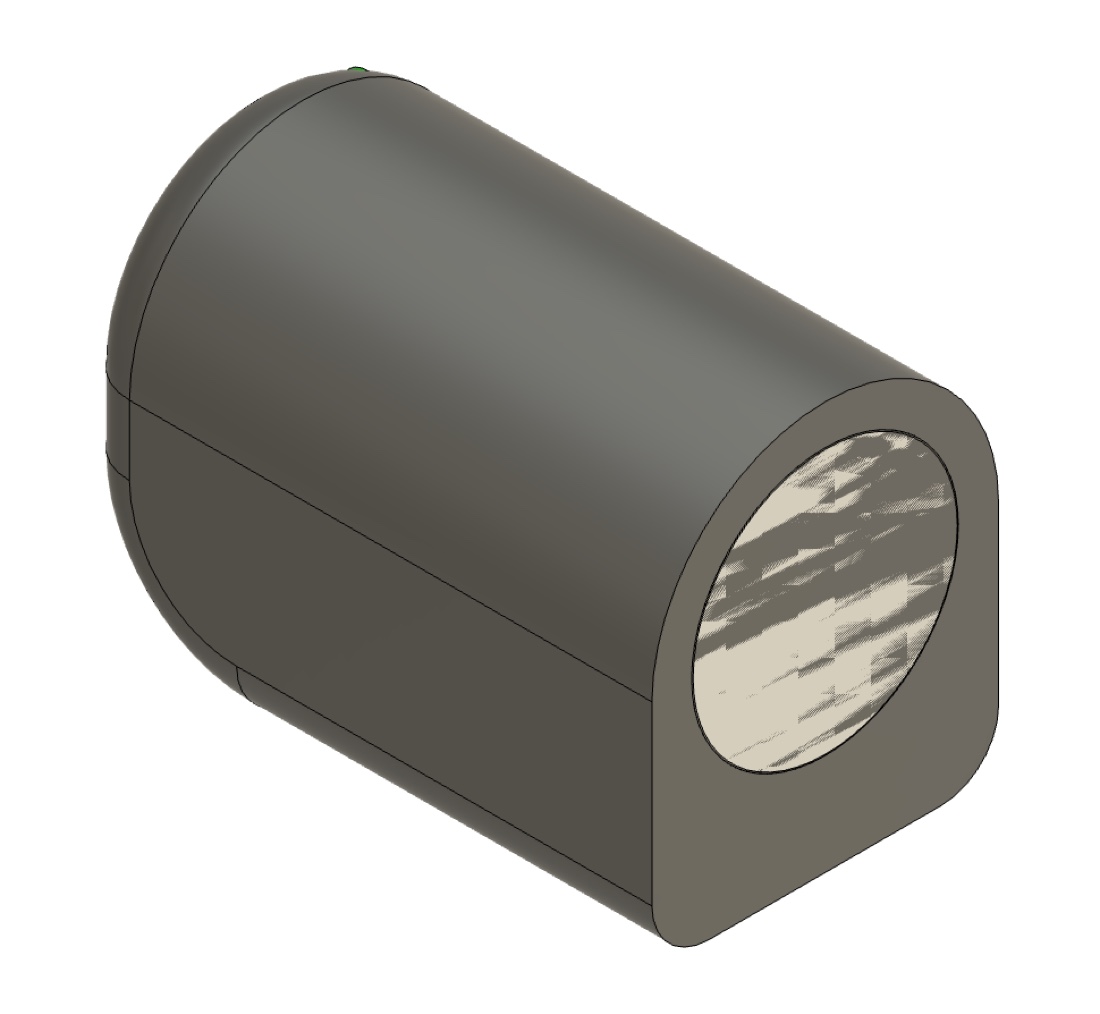
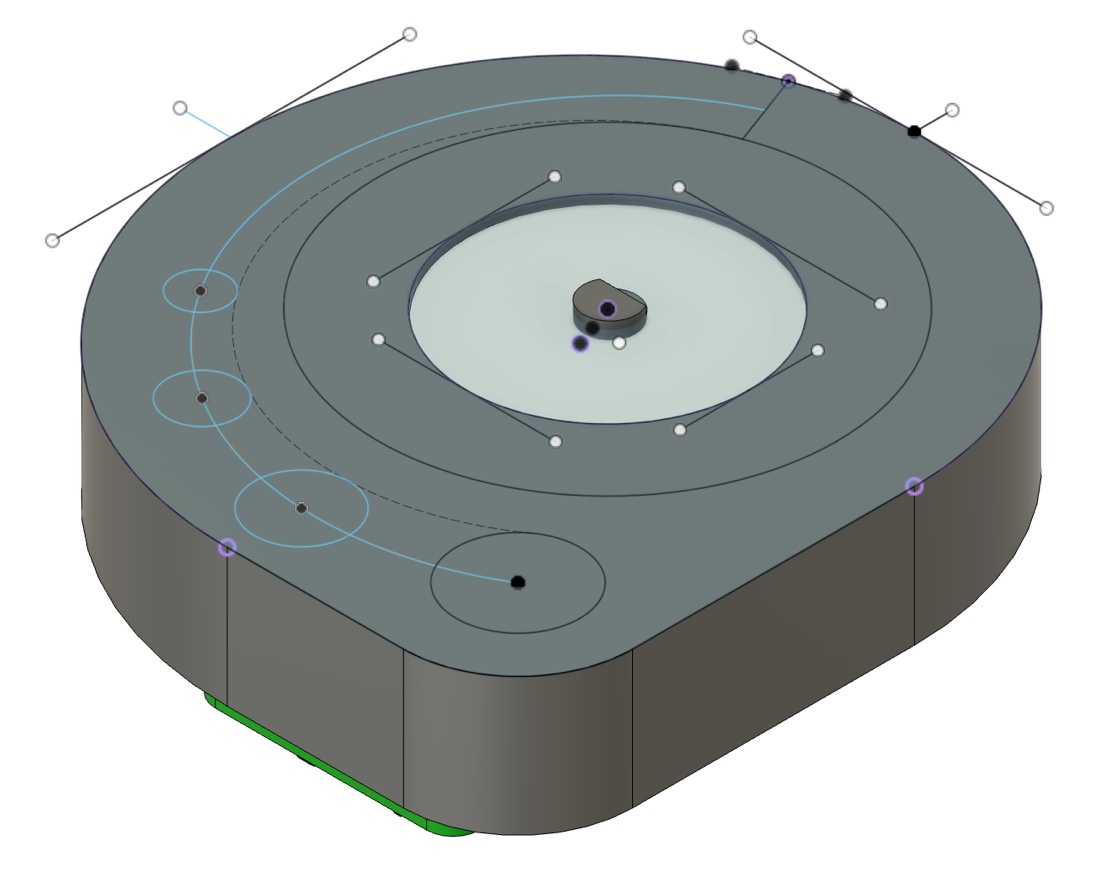
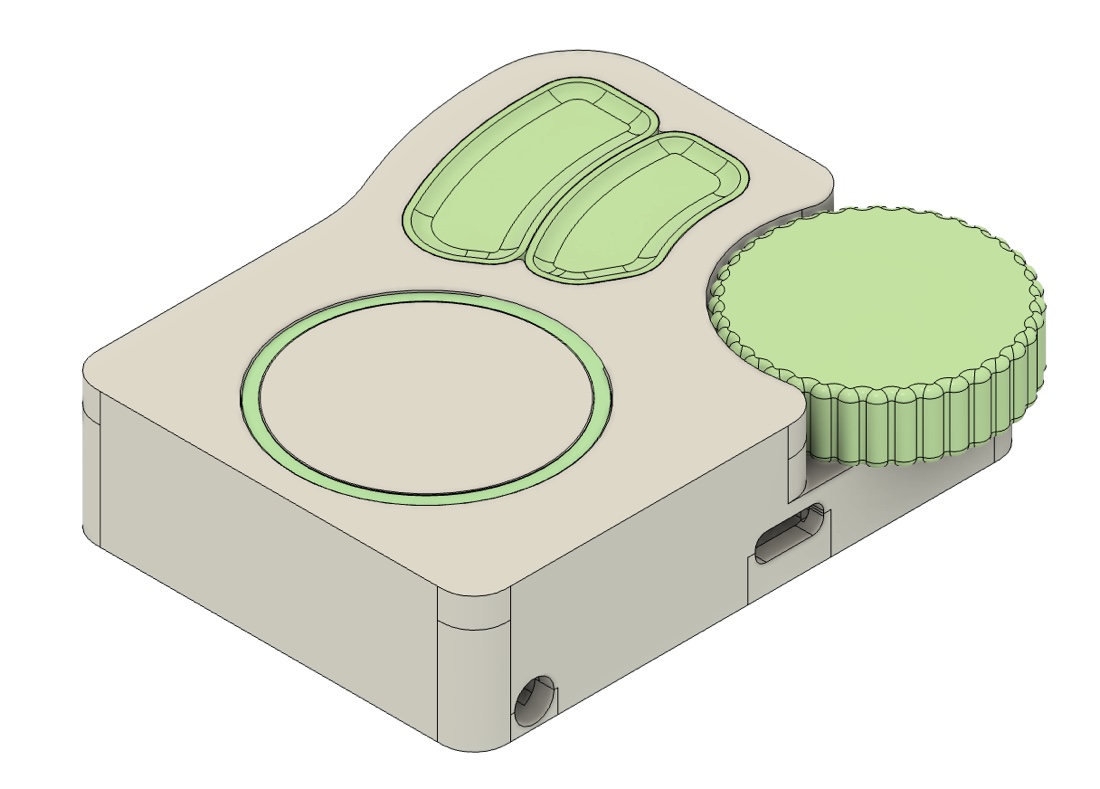
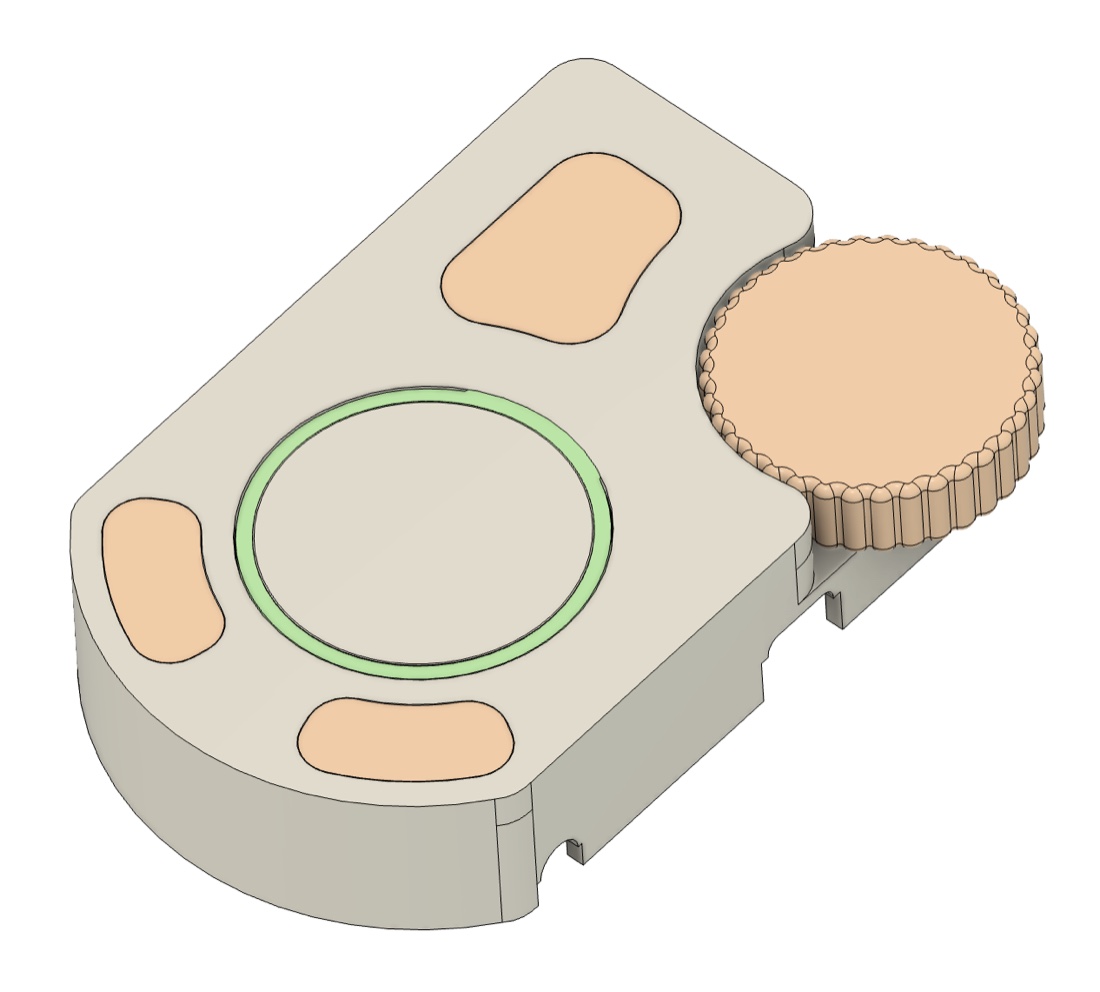
So I sketched concept after concept in CAD, hunting for a shape that could pack the Pi, battery, audio, screen and controls into something that still felt right in the hand.
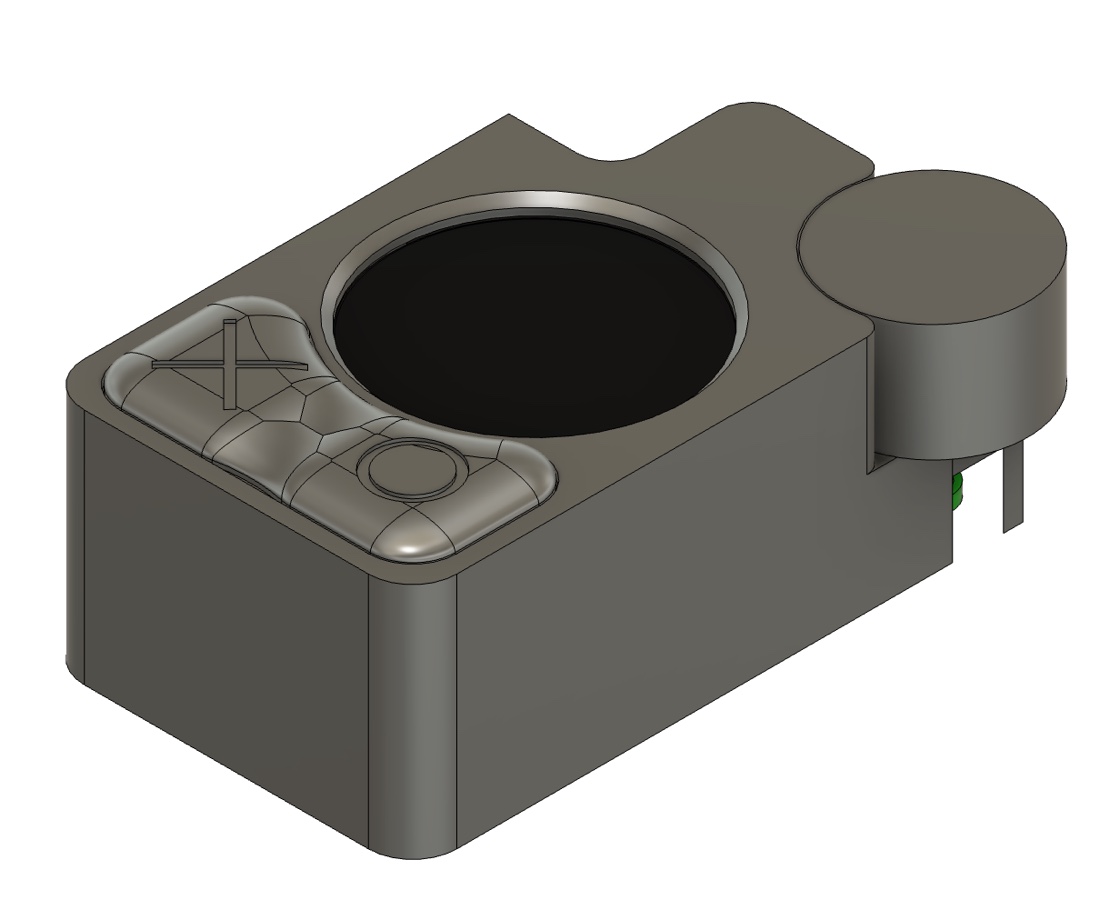
The first print needed work
The first print was ugly, and the rotary encoder needed more room. I stretched the body and gave the buttons more travel so the click felt better.
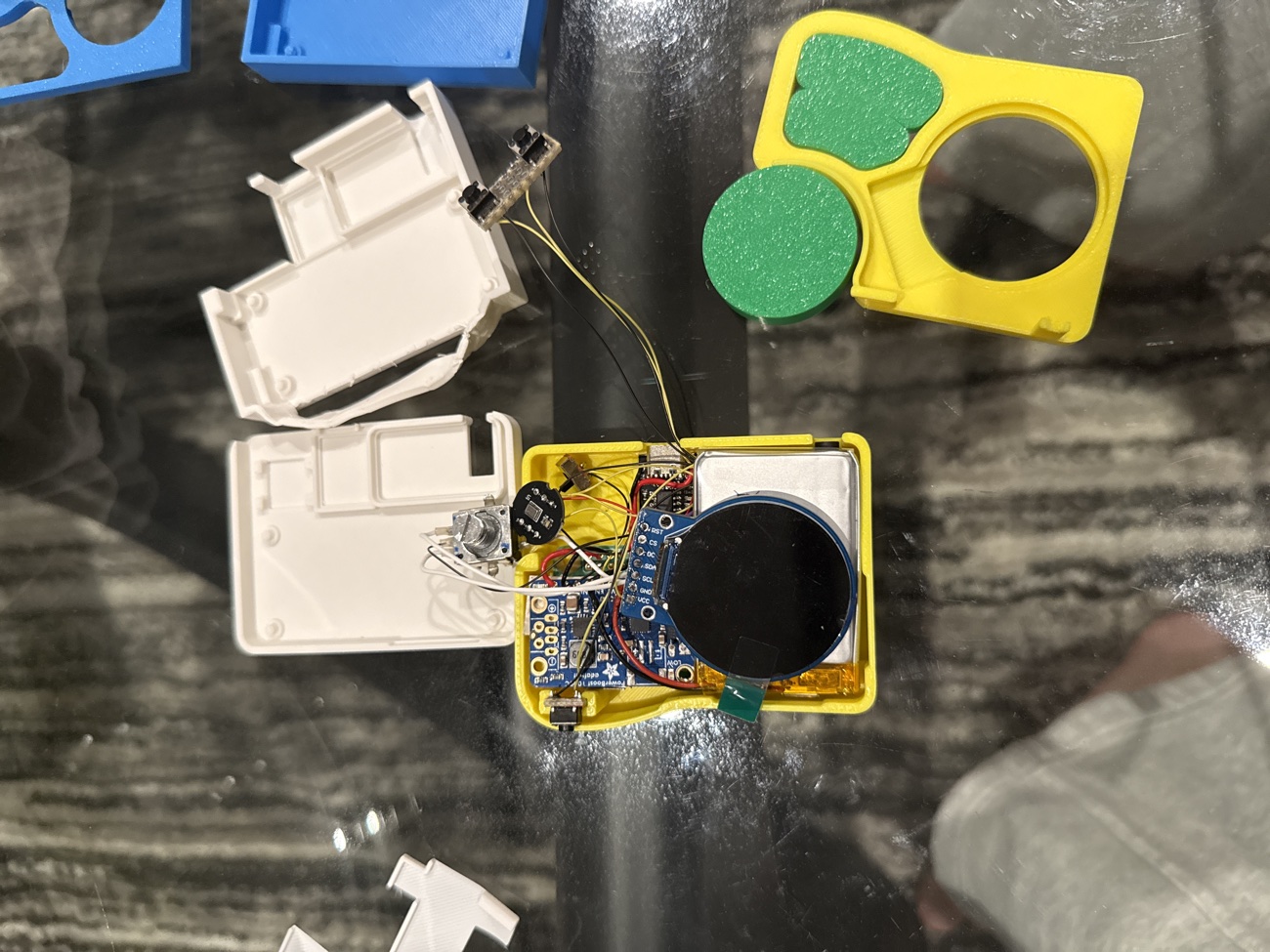
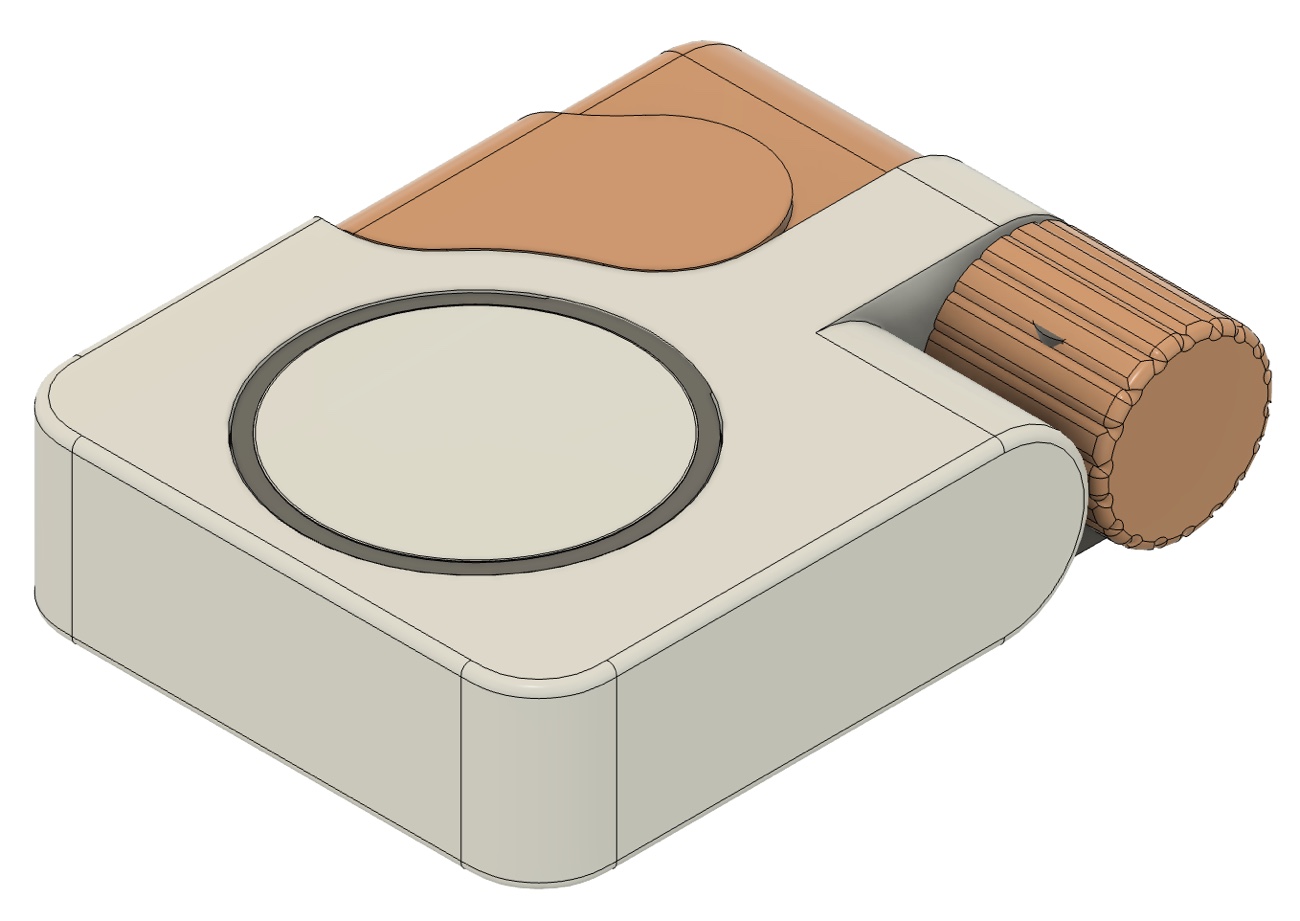
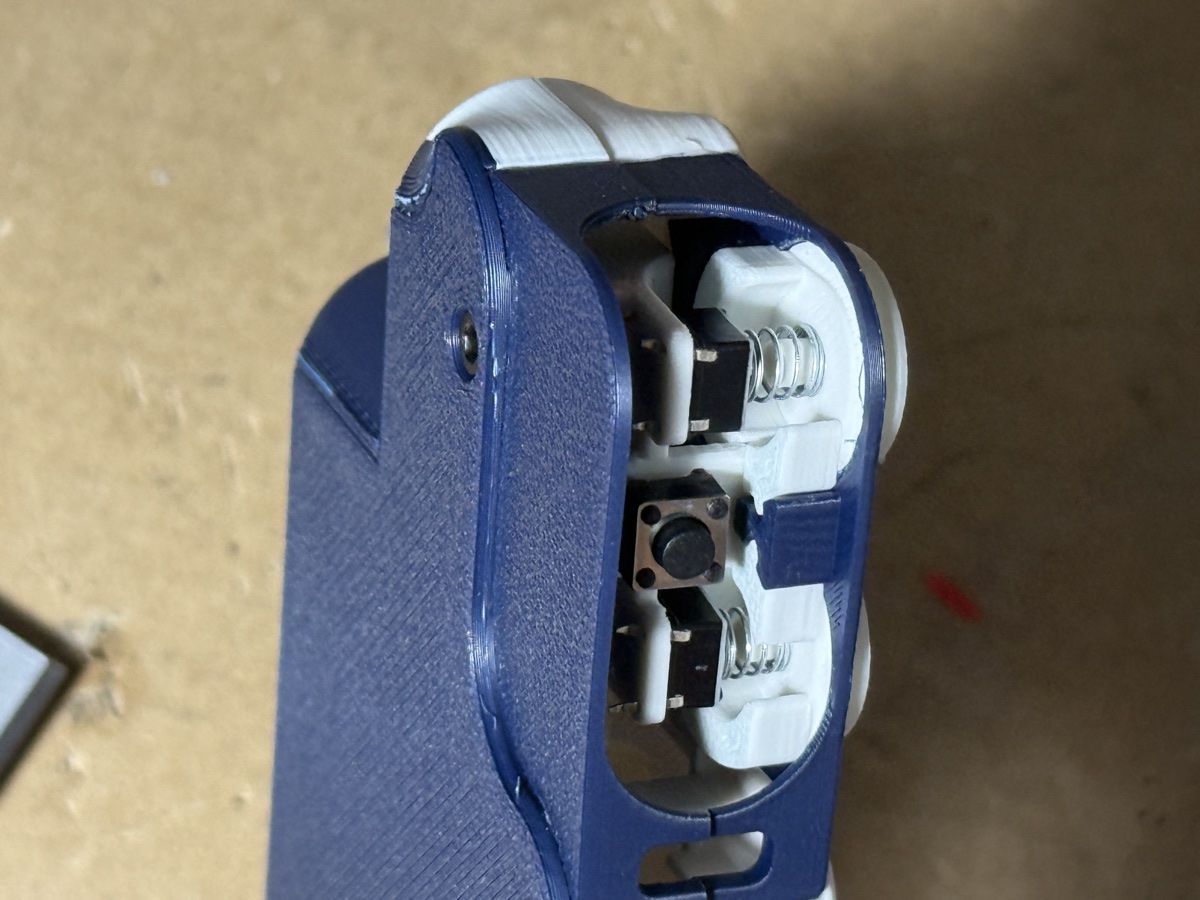
It took a lot of tries.
Every shell here is a print I held, judged, and threw back on the pile — shrinking the body, nudging buttons a millimetre, and chasing the round screen until the whole thing disappeared into the hand.
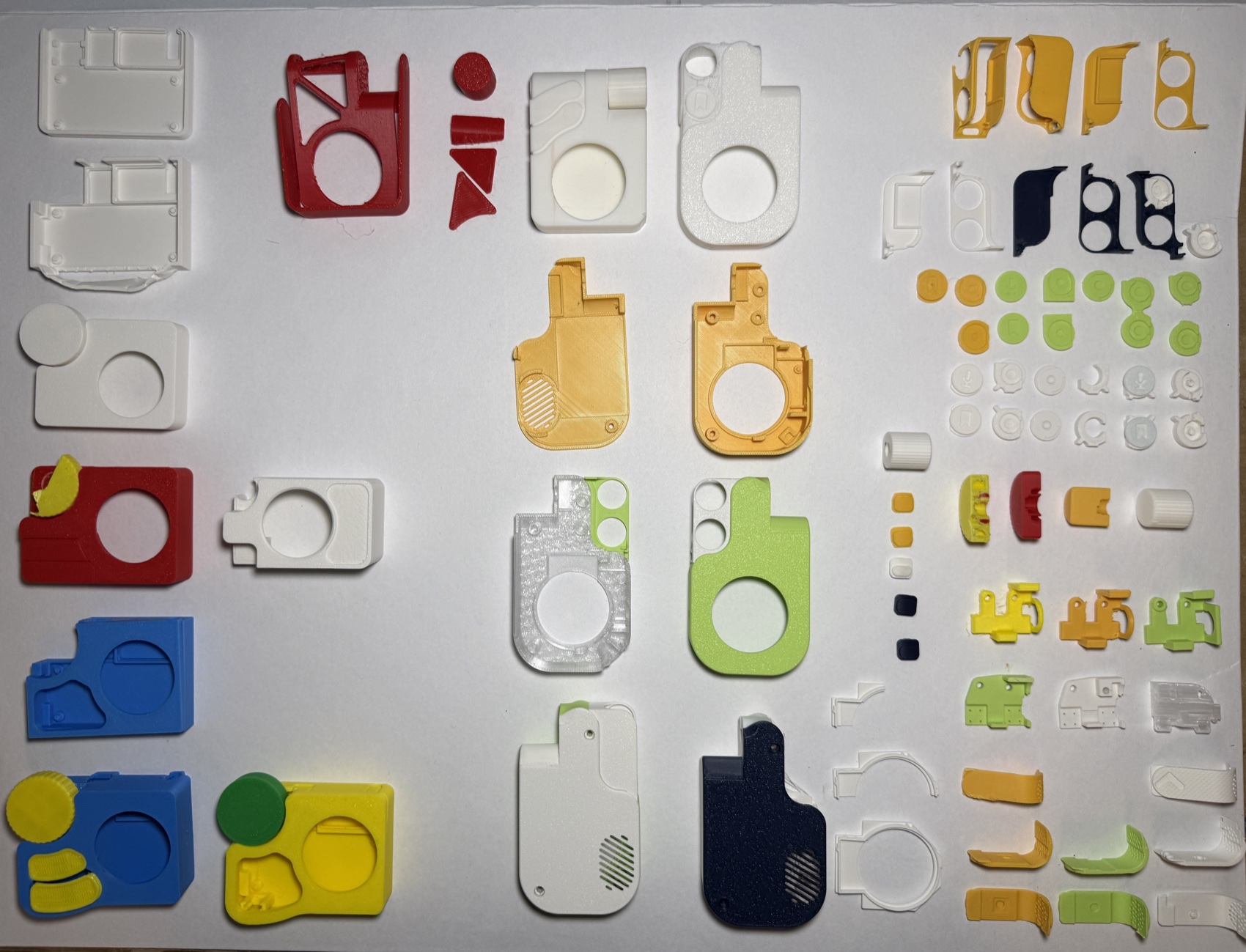
Off the breadboard, into the shell.
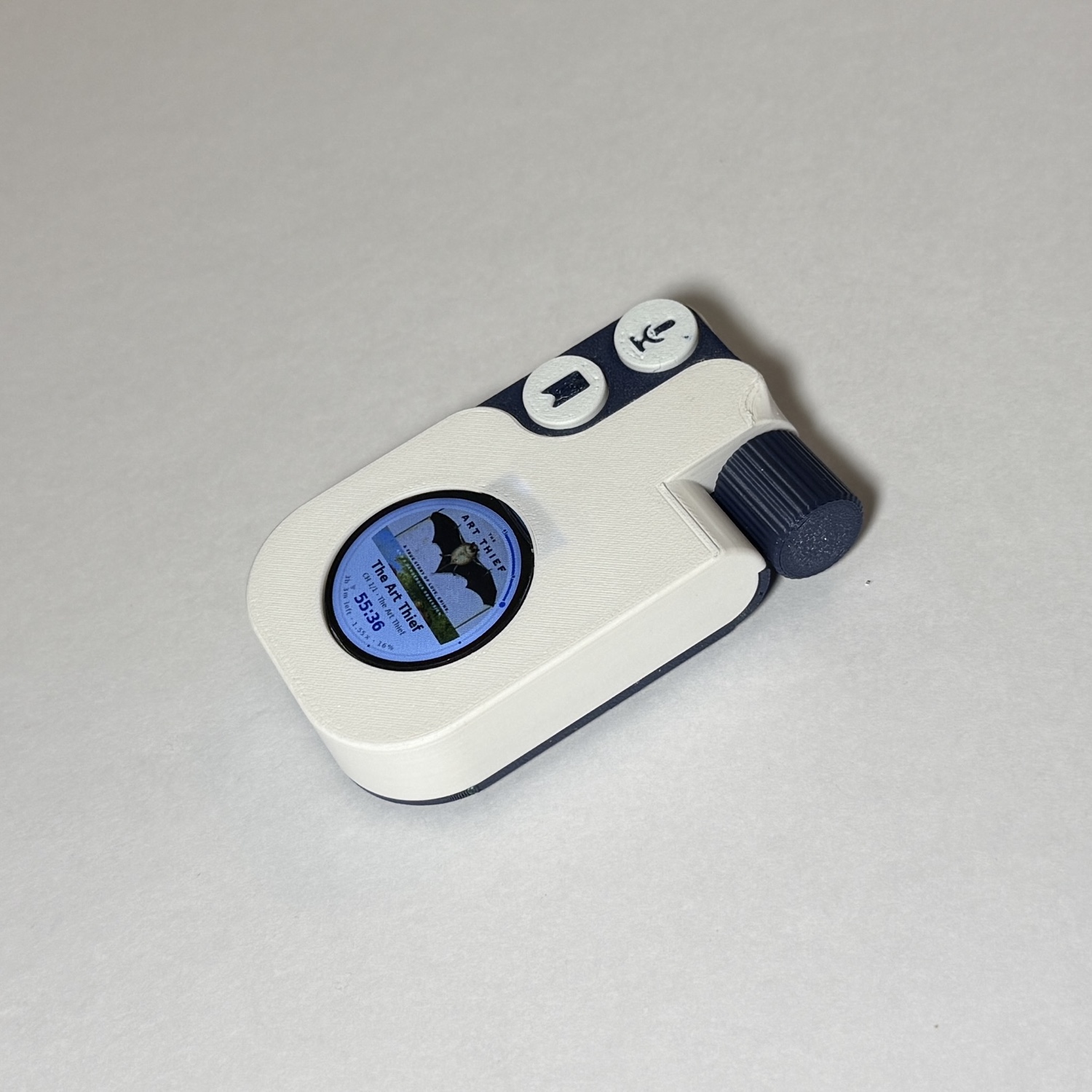
Everything soldered together and packed into the final printed enclosure — the device that opens this page.
The specs.
Soldered, sealed, and still easy to open.
Quote capture works on the assembled player. Lately I’ve been working on securing the parts inside the shell while keeping it easy to open for the next upgrade.